

Simplify your WordPress workflow!
Build faster, cleaner, and more reliable WordPress websites using lightweight plugins designed for real-world workflows.
Get started now
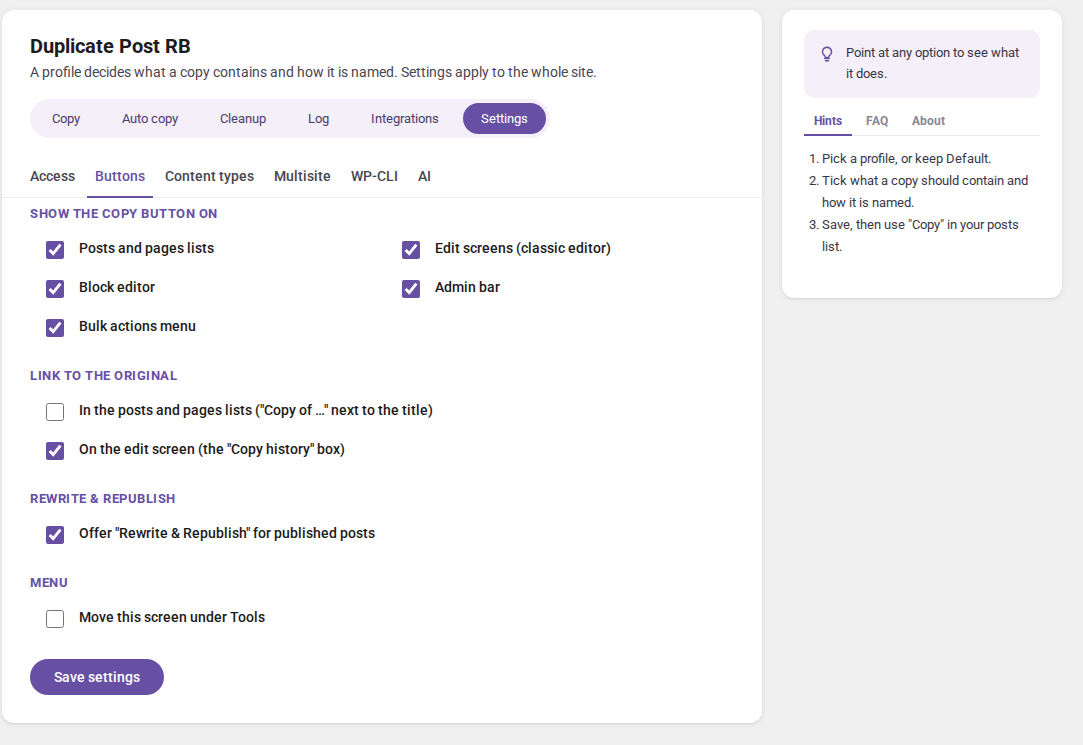
The Settings view holds what applies to the whole site, whatever profile is used. Open RB Plugins → Duplicate Post → Settings. It has six tabs: Access, Buttons, Content types, Multisite, WP-CLI and AI. Changes are saved with Save settings.
What a copy contains is set per profile in the Copy view — see Profiles and the copy dialog. Auto copy, Cleanup, the Log and Integrations are views of their own.
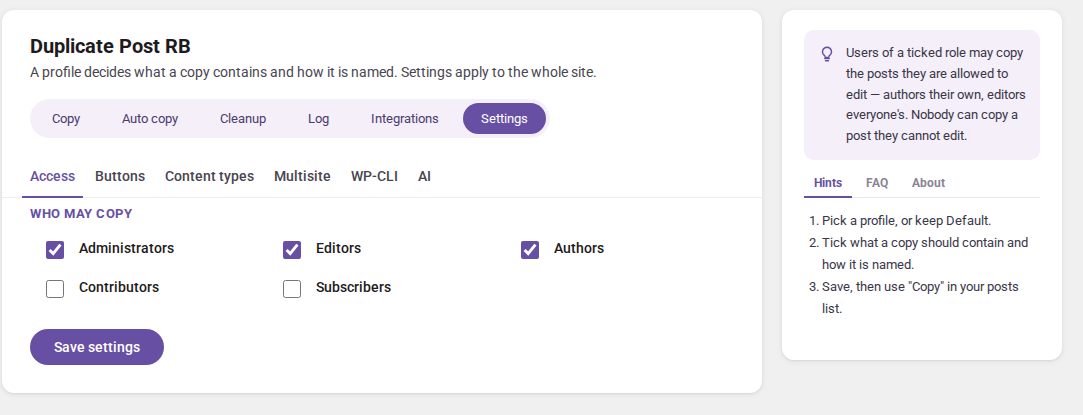
Who may copy: administrators, editors, authors, contributors, subscribers. A user can only ever copy posts they are allowed to edit — authors their own, editors everyone’s — and only content types they may create.
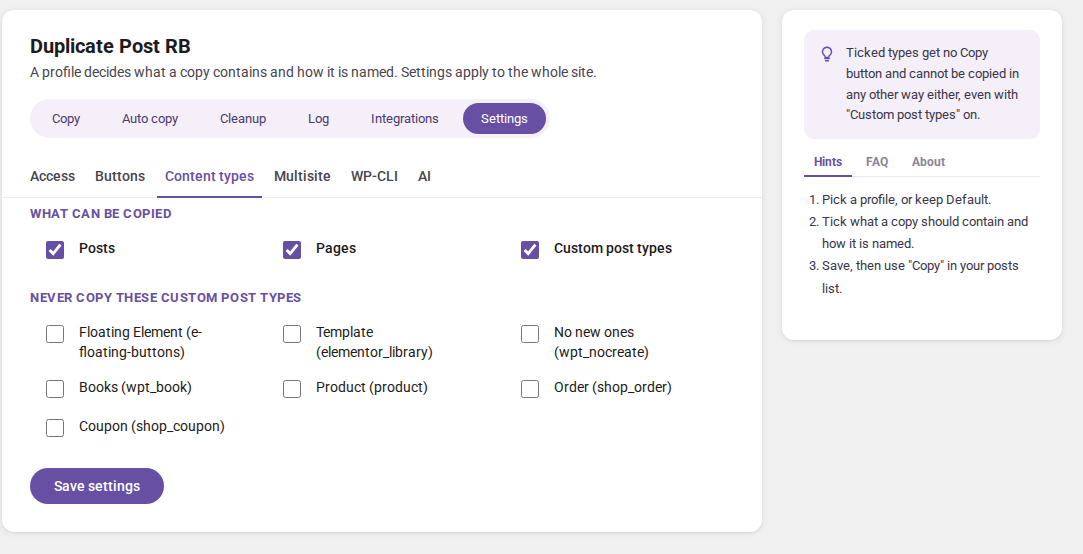
What can be copied: posts, pages, custom post types. (PRO) Never copy these custom post types — the ticked types get no Copy button and cannot be copied in any other way either.
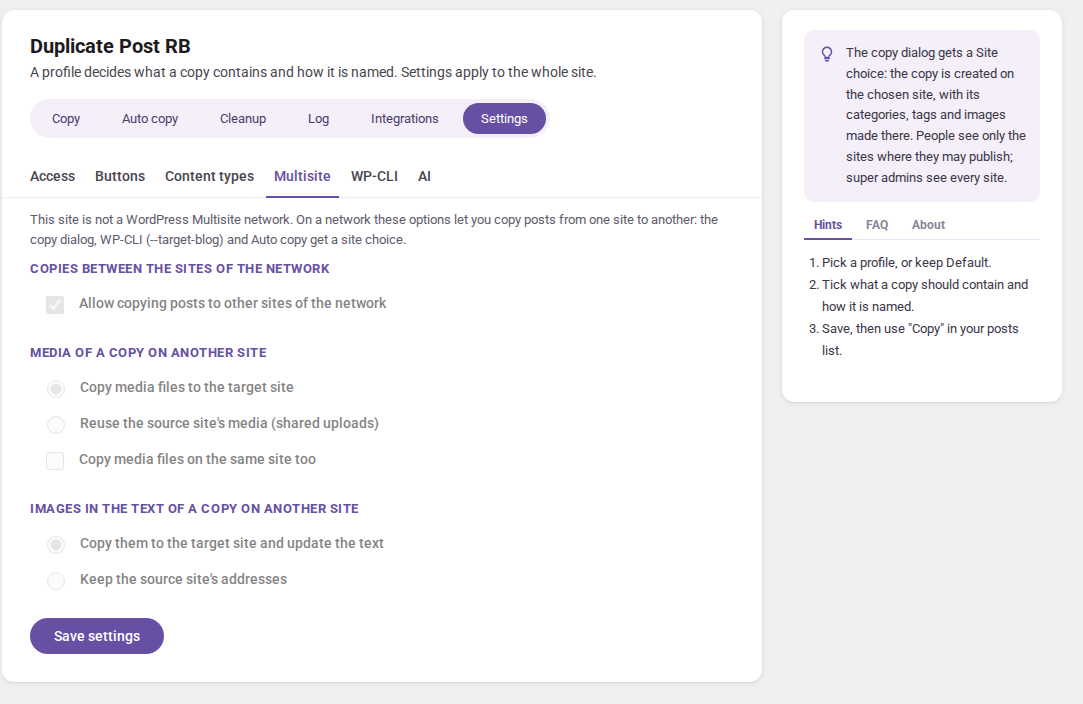
On a WordPress network, posts can be copied from one site to another: the copy dialog gets a Site choice, WP-CLI takes --target-blog, and Auto copy rules get a site.
On a single site these options are shown switched off.
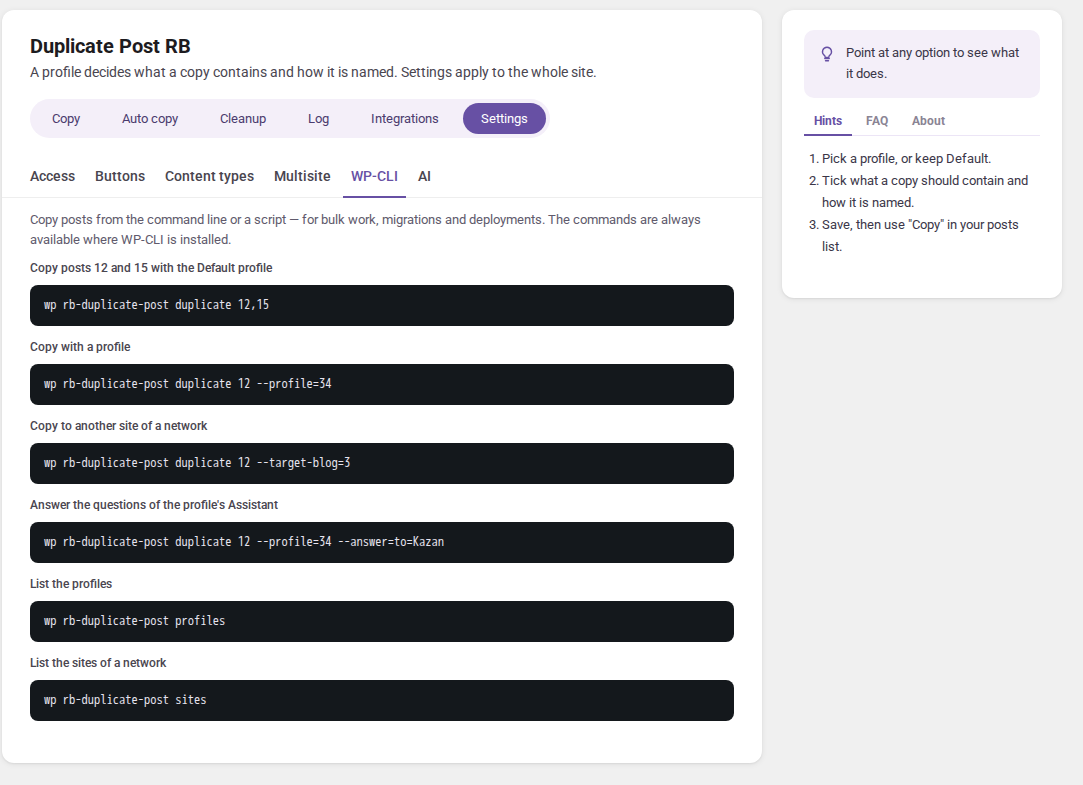
Ready-to-copy commands for this site — see WP-CLI.
The AI provider and its key — see AI.
The Help card on the right explains every option: point at an option to see what it does. FAQ and About have the answers to common questions and links to this documentation.
Build faster, cleaner, and more reliable WordPress websites using lightweight plugins designed for real-world workflows.
Get started now