

Simplify your WordPress workflow!
Build faster, cleaner, and more reliable WordPress websites using lightweight plugins designed for real-world workflows.
Get started now
The display mode decides how visitors meet the form. Choose it in the Delivery tab, under How the form is displayed. The Preview tab shows each mode as it will look.
Inline (embedded in the page) shows the form right where you put its shortcode. Use it for a contact page or a landing page, where the form is the point of the page.
Dialog / lightbox (button opens a popup) shows a button. Clicking it opens the form over the page, without leaving it.
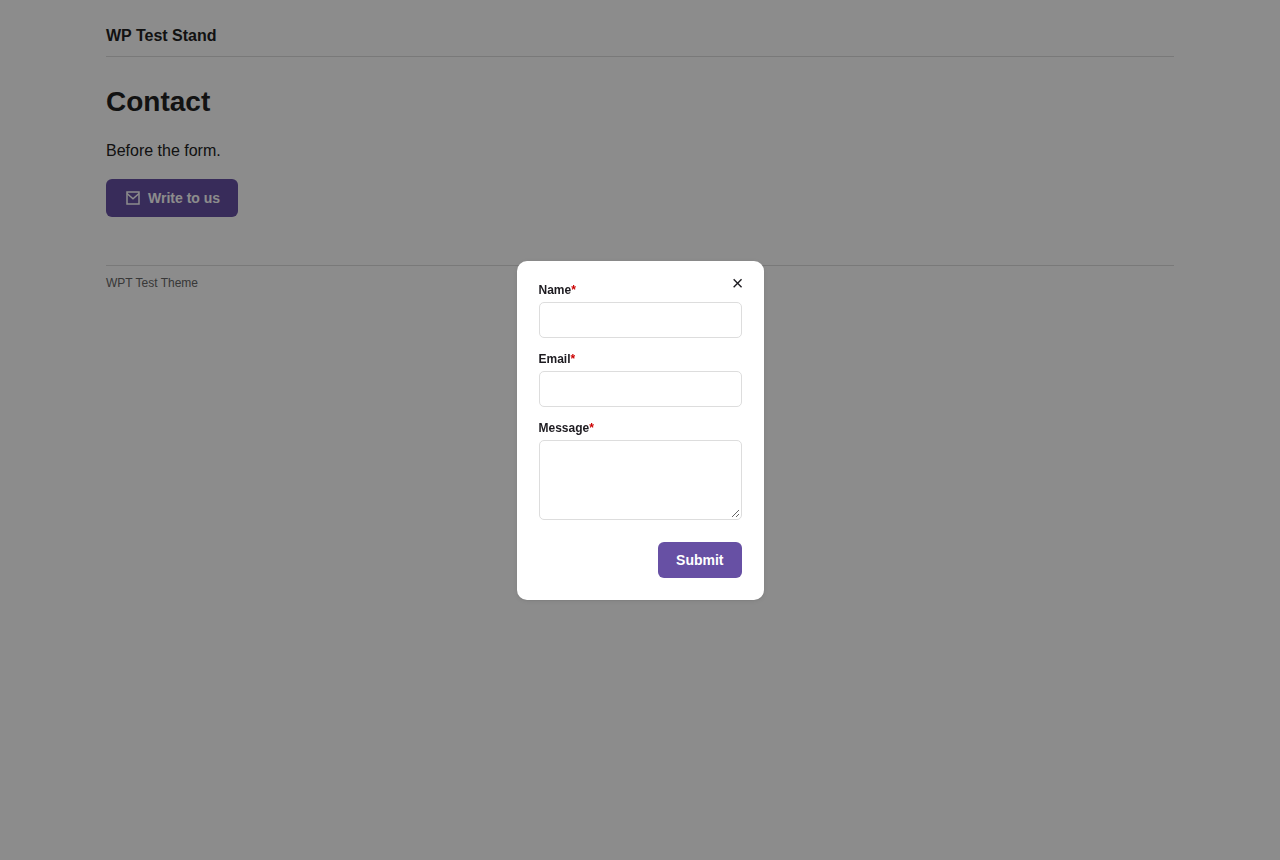
Set up the button:
And the popup, under Lightbox appearance:
Chat bubble (floating widget, bottom corner) puts a round button in a corner of the screen, like a support chat. Clicking it opens the form next to the button.
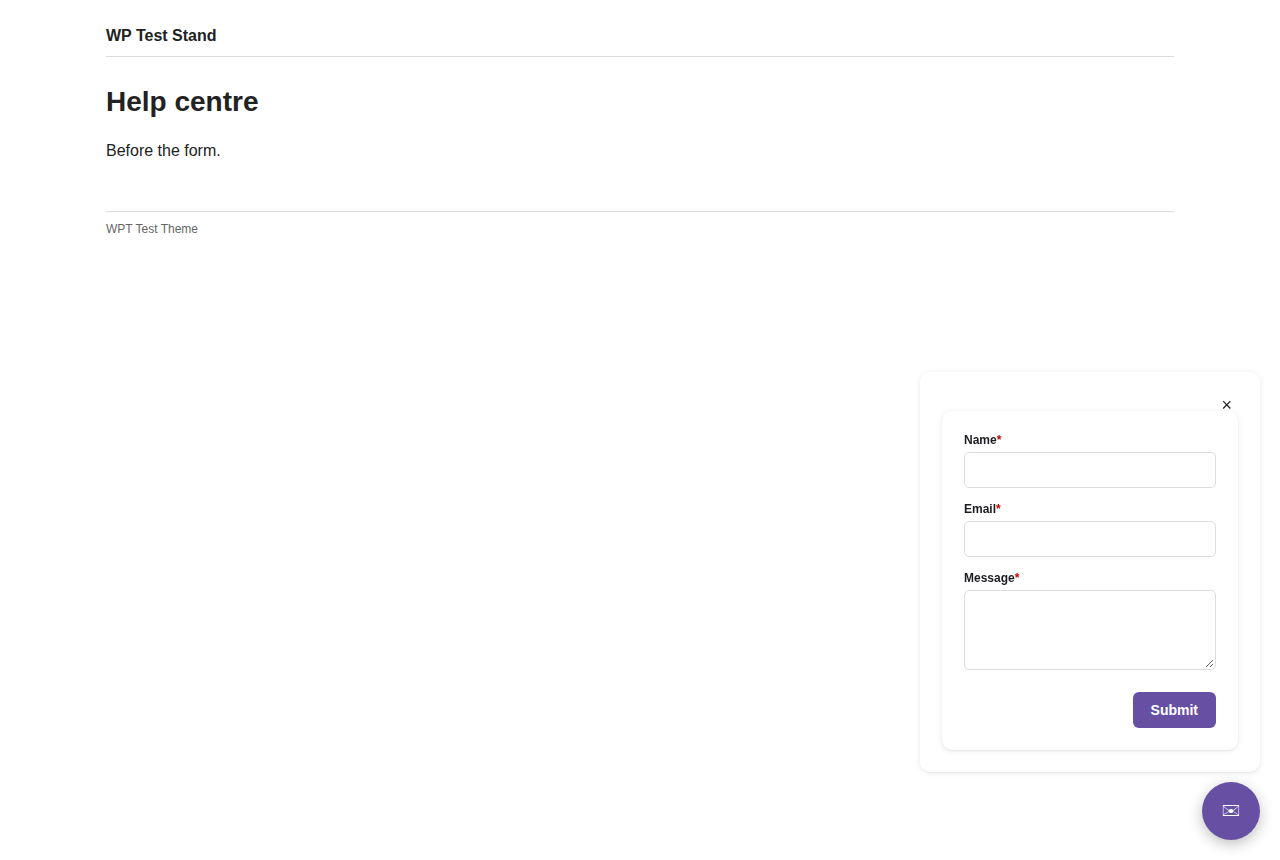
Under Chat bubble appearance:
Build faster, cleaner, and more reliable WordPress websites using lightweight plugins designed for real-world workflows.
Get started now